No more lost keys, ghost lockers, messy spreadsheets, or wasted admin time.
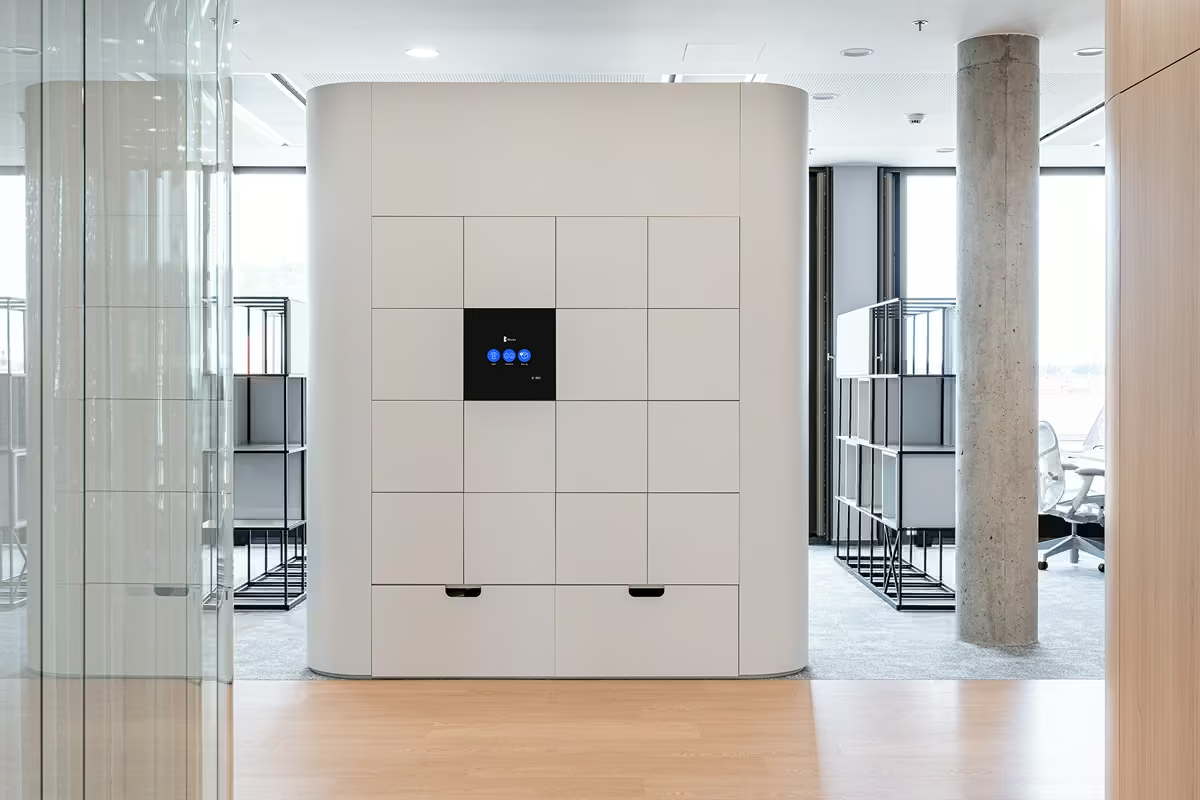
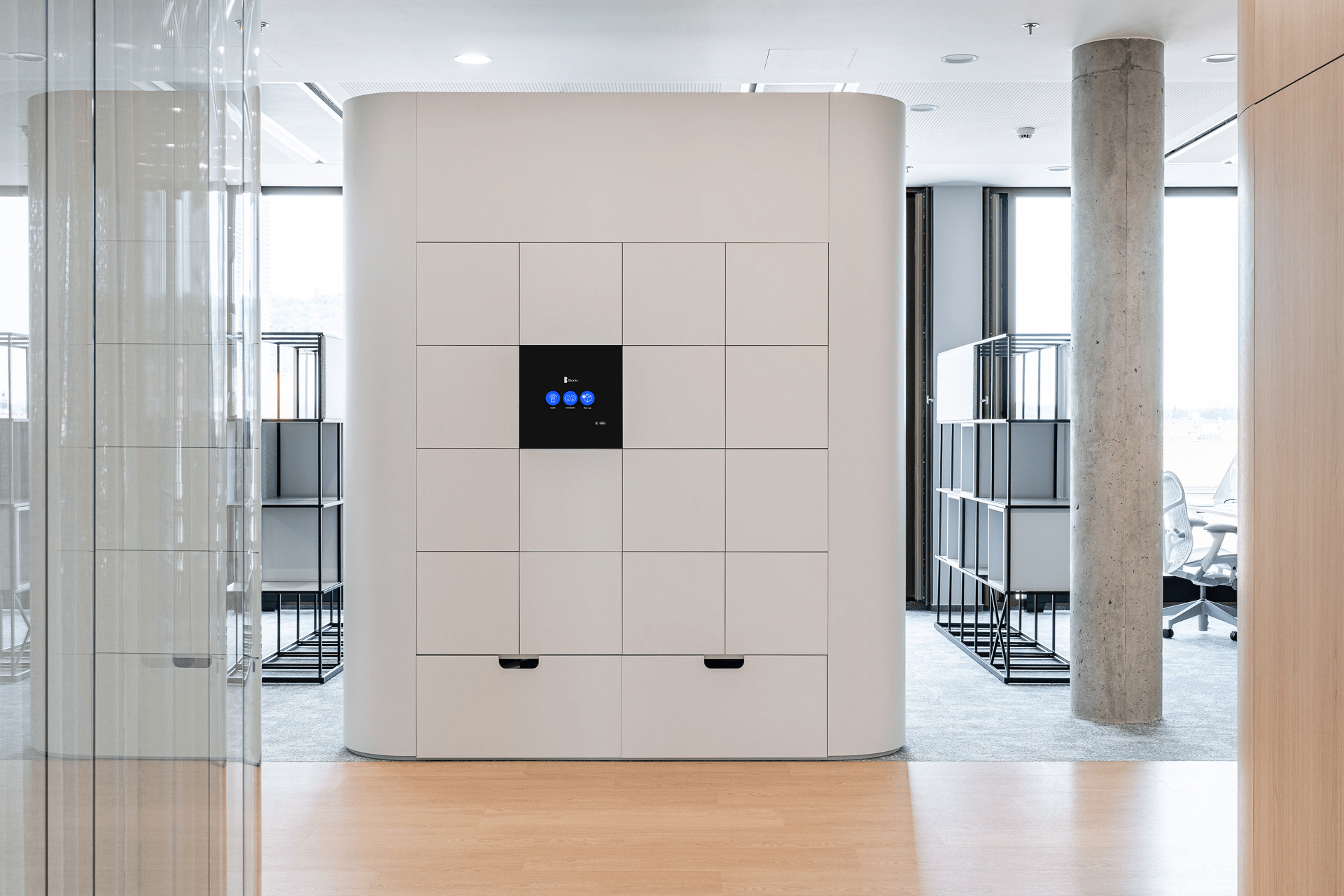
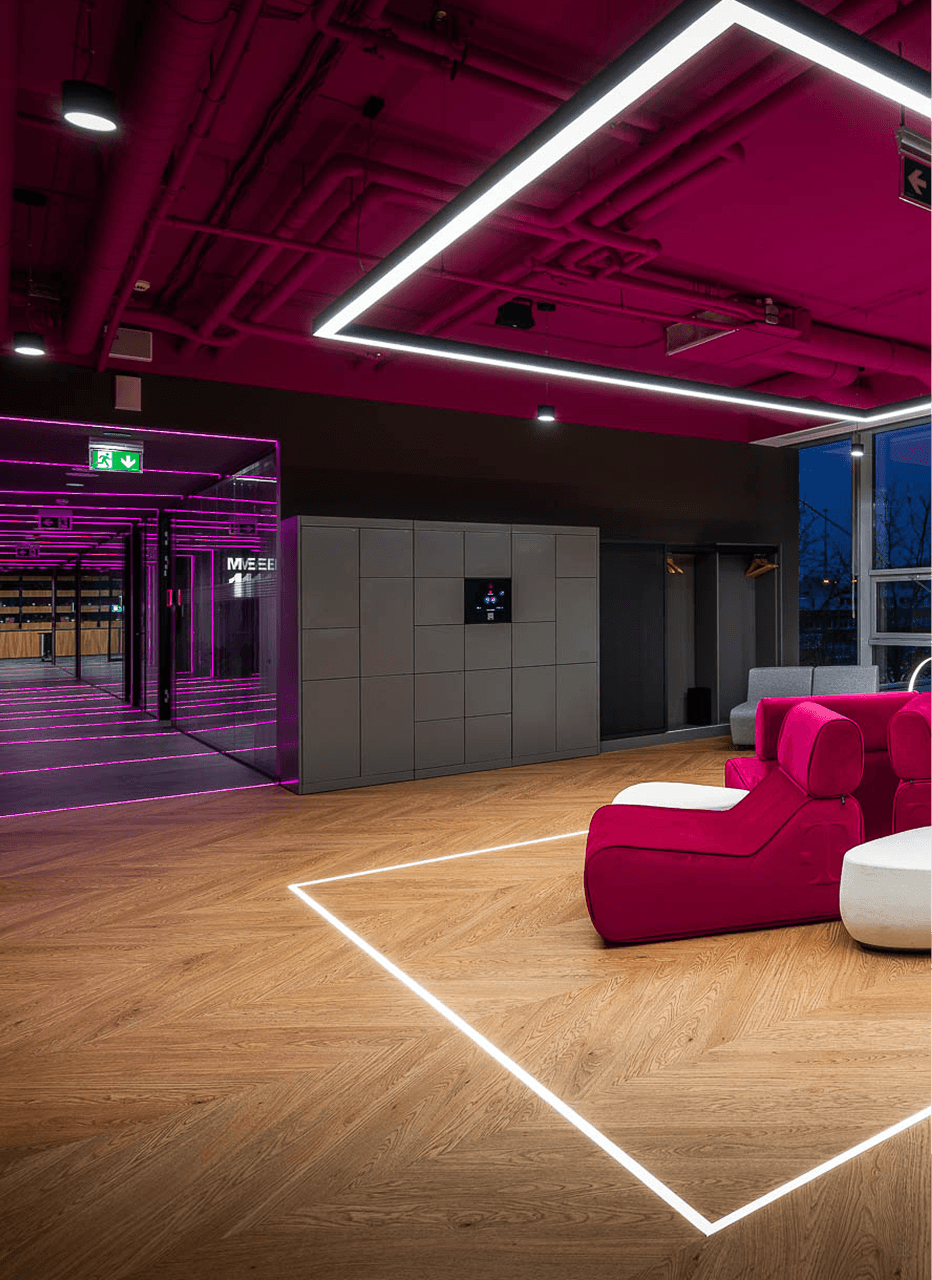
Blocks keeps storage flexible and fully utilized with software-powered lockers.
One workplace locker platform. Zero headaches.











Every key replacement is up to EUR 200 cost. With hundreds of users on the premises, that is far from being manageable or smart. With one-click assigning and removing users, Blocks bring seamless user management.
Blocks is a dynamic solution that evolves with your business. As your needs change, there's no need to invest in a new locker system. Thanks to continuous software updates and online locker management, Blocks can quickly adapt to new use-cases.
As each box serves dozens of people, rather than being assigned to an individual, companies save floor space and capex on acquiring fewer lockers.
As a rule of thumb, you need 30-50% fewer lockers when you go with smart technology, instead of traditional lockers, because utilisation is higher and you do not need 1 locker per one employee.
Storage is just the starting point. With Blocks, you can take it further by adding a secure hand-over function. Employees no longer need to meet in person to exchange tools, documents, or devices. Lockers handle the hand-over instead. How it works?
Choose a colleague, drop the item in, andpickup access code is generated automatically.
Ideal for flexible offices, corporates as well as SMEs and institutions

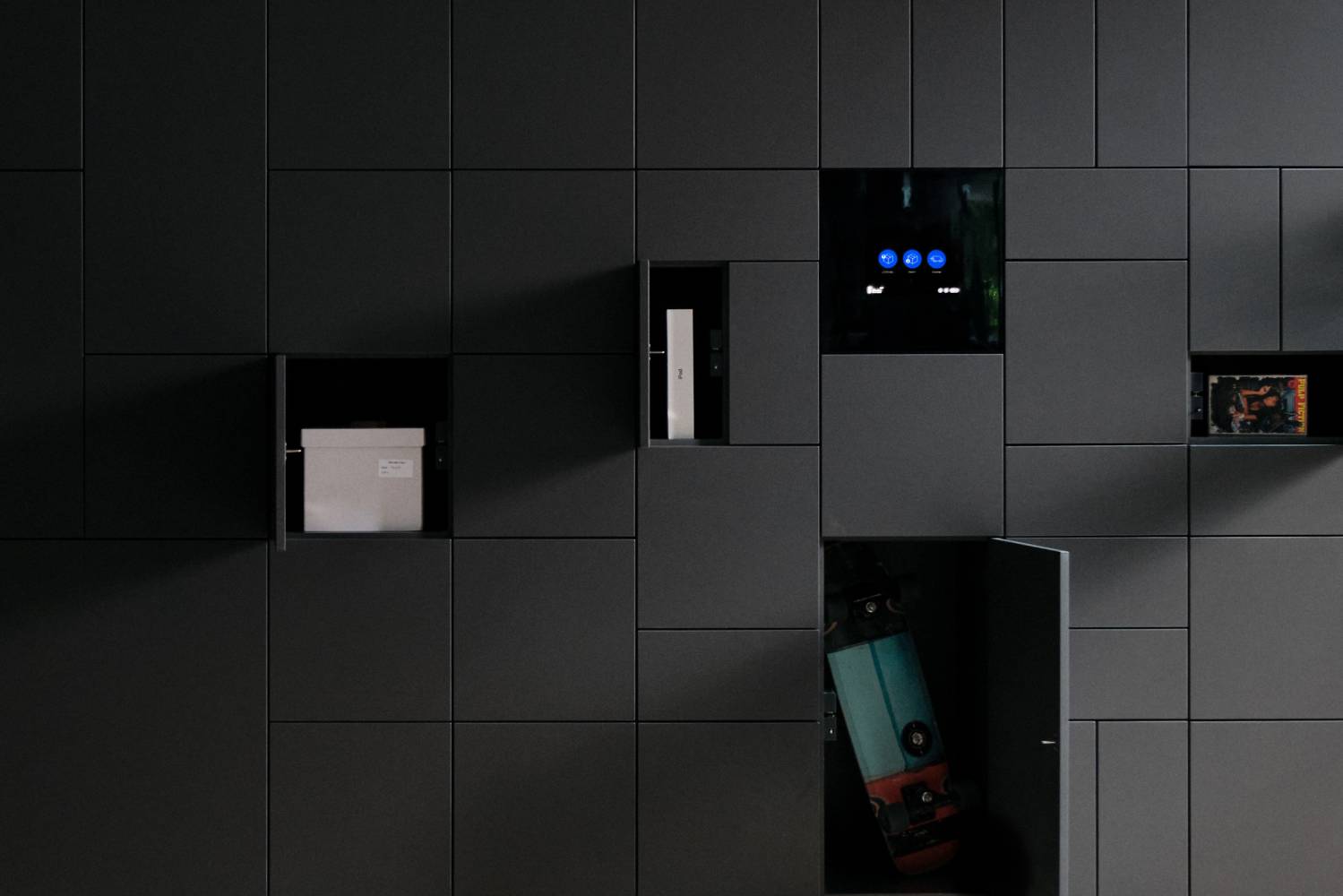
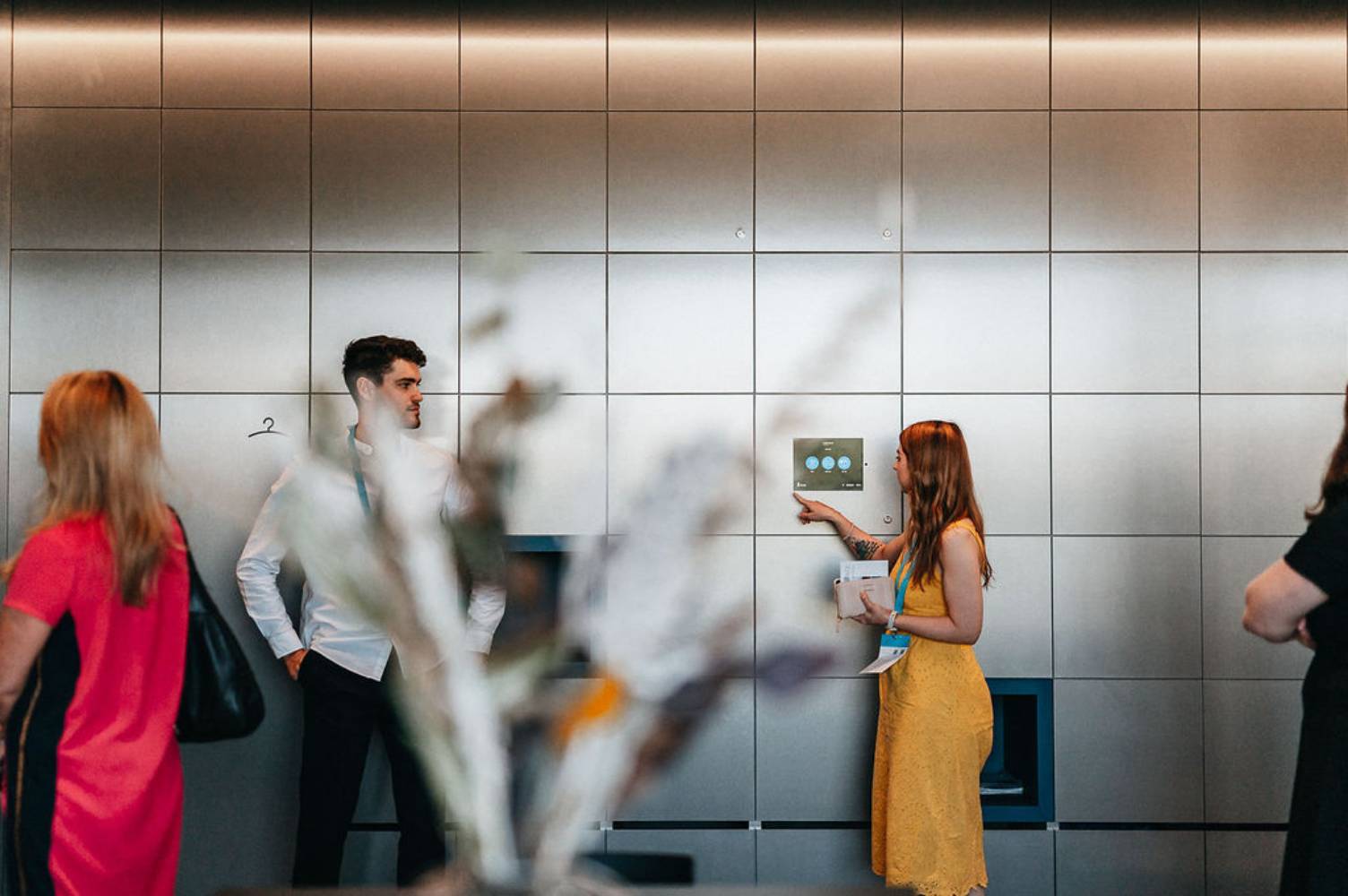
Blocks smart locker technology is built to fit right into your existing tech stack to eliminate any manual updates and inputs.
With 30+ ready-made integrations plus the ability to connect with custom or even legacy systems thanks to open API and SDK, you get a fully integrated solution that delivers clear insights and simplifies daily operations.


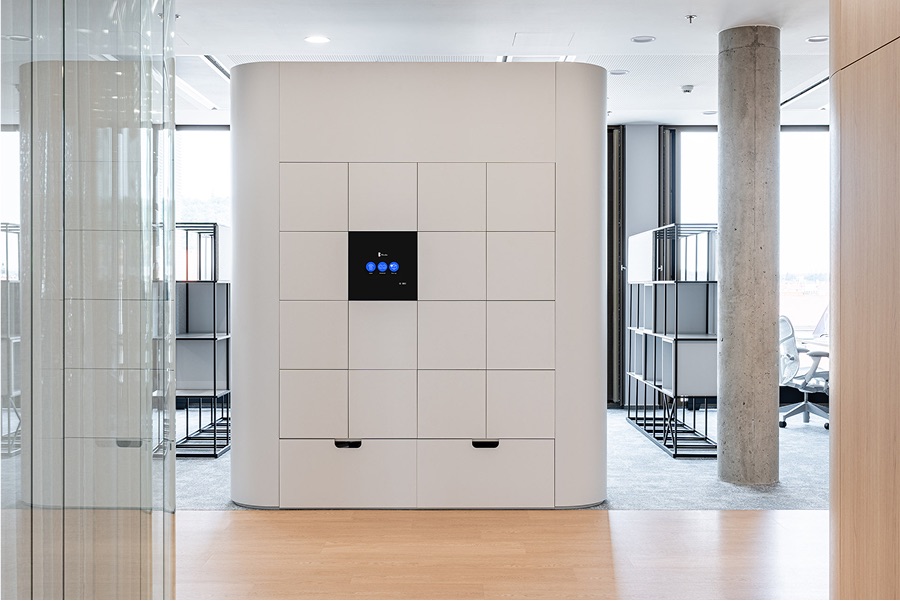
Select one or combine different access methods for added convenience and backup security.
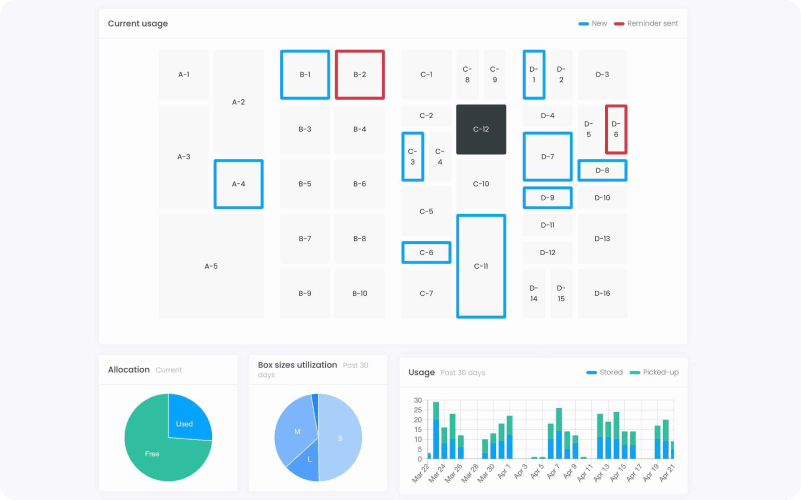
Take control with the Blocks Admin Zone – your intuitive online hub for managing intelligent lockers.
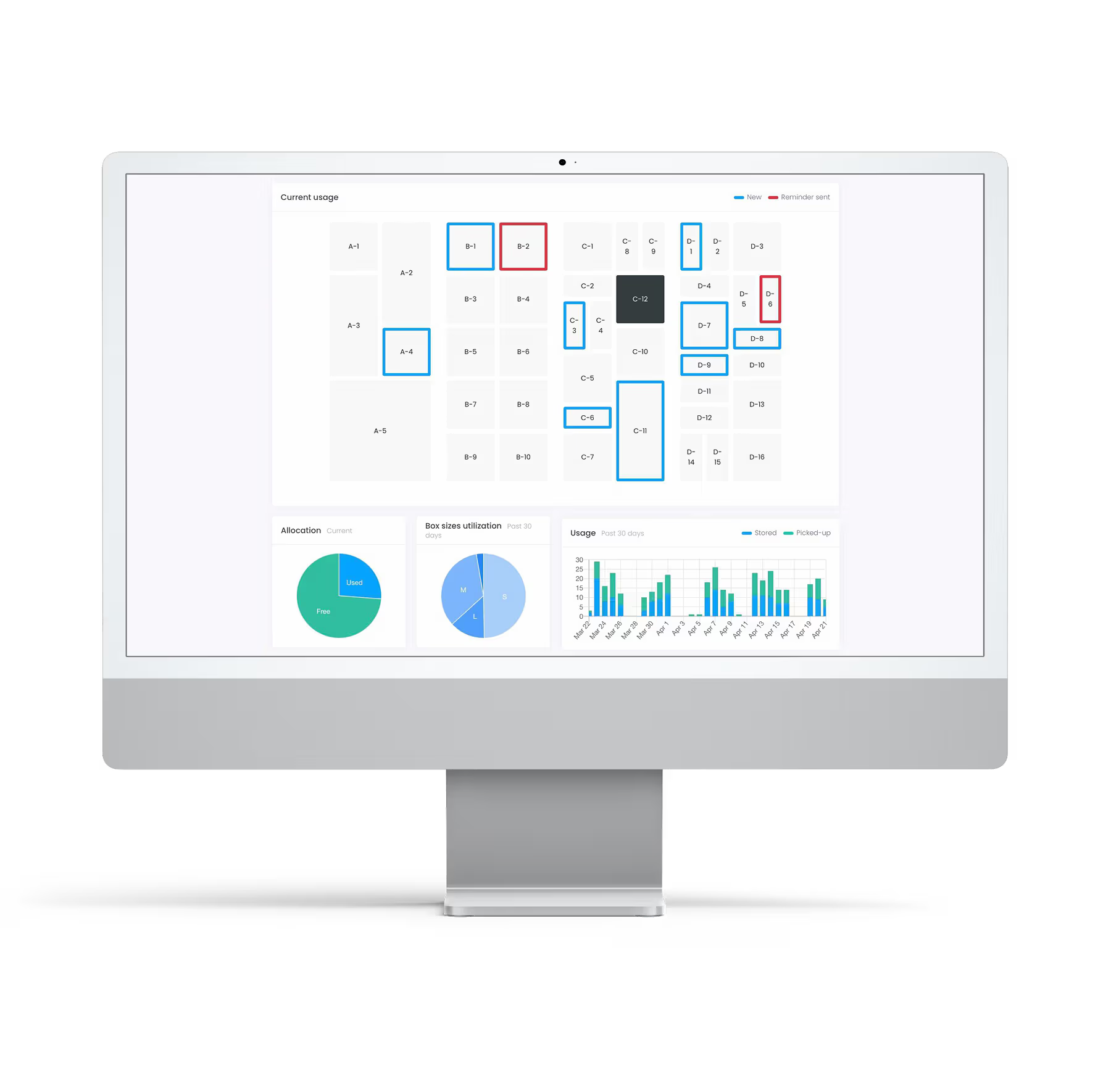
Access real-time data on usage, monitor utilisation, and customise settings to perfectly match your internal processes.
Easily manage user permissions, open lockers remotely, and enjoy smooth, hassle-free operations with powerful features designed to simplify your day.
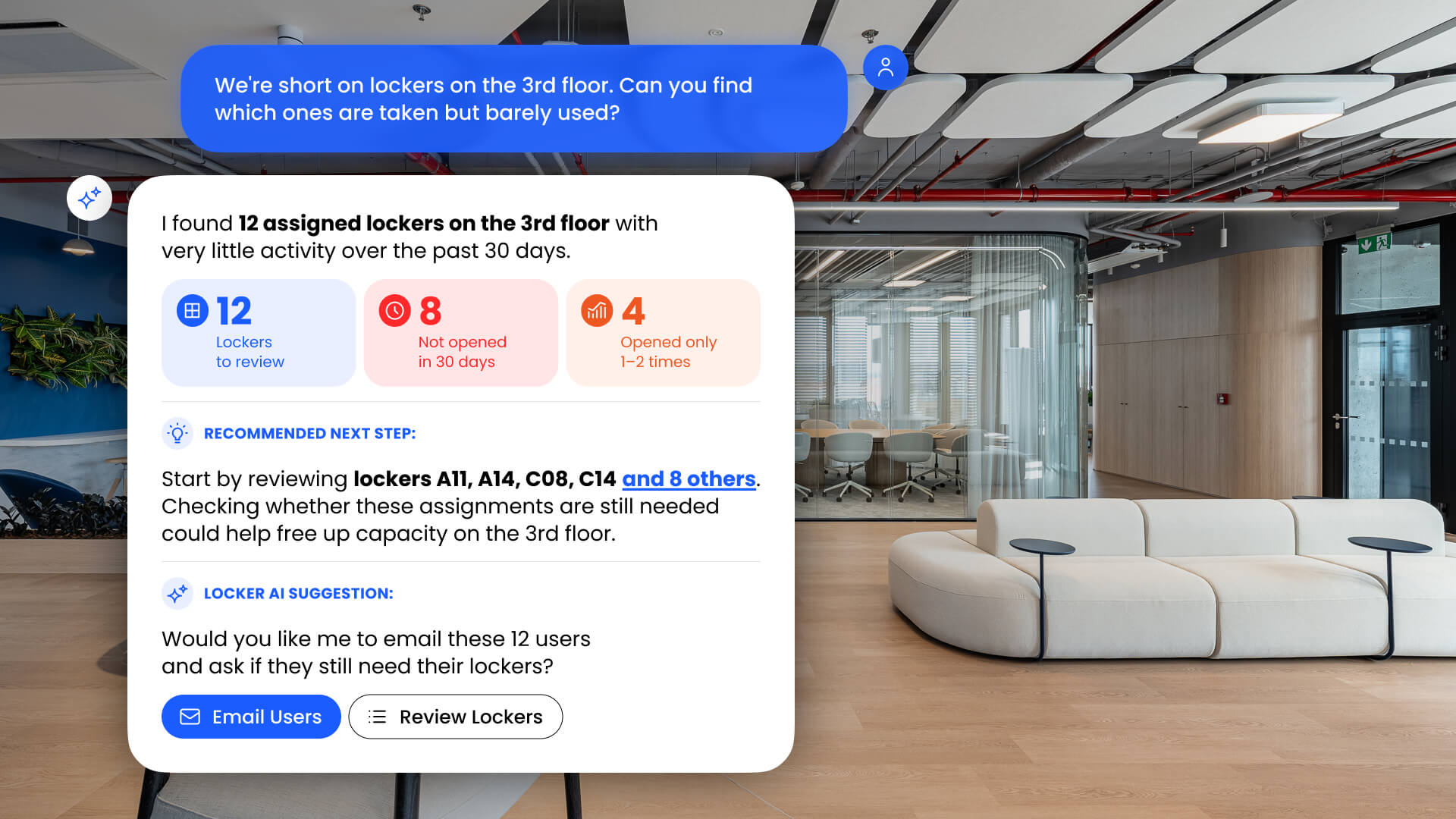
With Locker AI, getting a clearer picture of your locker setup can start with one question. How many lockers are occupied but rarely used? Which floors need more lockers and which have too many?
Locker AI then suggests practical next steps and helps you take action.
Locker AI turns smart locker data into practical insights, helping teams understand and plan their workplace while maximising ROI.
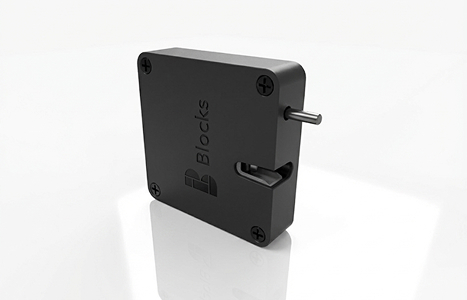
Blocks work with wired and wireless locks, making it ideal for both new or retrofit of existing lockers and cabinets. This allows you a smooth launch of your smart locker project right away.
RFID and push-to-open are available as optional configurations to match your preferred access and user experience.
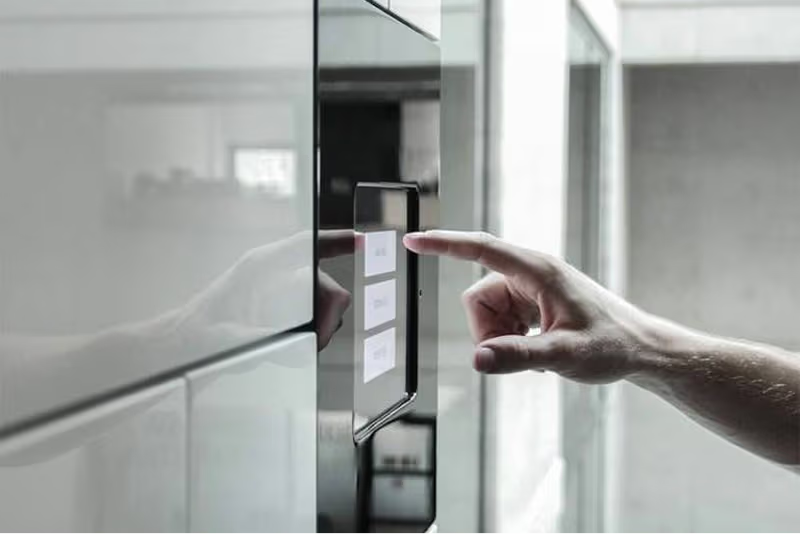
SIngle-day locker or permanent access? Assigned or unassigned locker use? Reservations or various user groups? Adding use cases as your company evolves?
For lockers, there is no one-size-fits-all. With Blocks locker management software however, you gain access to setting up lockers to fit exactly your internal needs.
Blocks is an ISO 27001-certified company. The operating system, secure by design, is going through regular penetration testing by an independent third party.
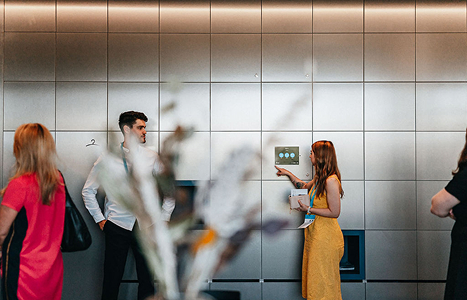

Basic smart lockers from other brands that no longer suffice your needs? Blocks operating system is able to integrate into any existing locker electronics and power the new use cases.
Empowering businesses with innovative solutions to streamline operations, enhance productivity, and drive growth.
Not at all. Smart employee lockers bring benefits to any workplace, from SME offices to coworking spaces, public administration, NGOs, healthcare facilities, logistics centres and anything else. The system can be configured to support different teams, workflows and locations, from a single site to a multi-site setup.
Yes, of course. Blocks Admin Zone is an intuitive online hub for managing intelligent lockers, including remote opening, accessing real-time data on usage, monitor utilisation, managing permissions and more.
Blocks completely automates notifications, whether it is for MS Teams, Slack, SMS, email or any other means. Typically, the system notifies about receipt, collection, expiration, as well as custom reminders.
Yes, you can set your own expiration periods for stored items, while the system automatically manages the notification part (MS Teams, Slack, SMS, email or any other means).
Yes, you can set your own rules for reservations and the number of compartments within the Blocks Admin Zone.
Typically, you have 30%—50% of fewer lockers than employees. That means you save manufacturing costs but also floor space that would be otherwise taken up by storage. This space can be reused for desks, collaboration areas, lounge spaces or removed from your rent altogether.
TIP:
Calculate your own savings in our interactive Smart locker ROI calculator.
Read a case study on how a global pharma company switched to 2:1 employee to desk ratio by using the smart locker system. The company uses 1,200 desks (and locker compartments) for 2,400 employees.
Yes, where the hardware setup allows it. Charging can be integrated into the locker design for devices such as phones, laptops, handheld devices, power banks or tools. The exact setup depends on the cabinet design, power requirements and safety specifications.
Blocks supports RFID/NFC access cards, including MIFARE Classic, MIFARE DESFire EV1, EV2 and EV3, and other cards based on the ISO 14443 standard.
Lockers can also be opened using MS Teams, HID Mobile Access, QR code, PIN, through an integration with a mobile app and other methods. For added convenience and extra security, you can combine these options. Plus, if the original method fails – third-party tool outage, forgotten card – there’s always a fallback.
Blocks smart locker technology is built to fit right into your existing tech stack to eliminate any manual updates and inputs.
With 30+ ready-made integrations plus the ability to connect with custom or even legacy systems thanks to open API/SDK, you get a fully integrated solution that delivers clear insights and simplifies daily operations.
A native Blocks App for both iOS and Android supports a wide range of scenarios, including parcel pickup, colleague-to-colleague handovers, employee lockers, team lockers, visitor storage, IT equipment distribution, item libraries, and more. The app is used for locker opening and receiving notifications about parcels or stored items
Users can also see which items are currently stored for them. Once an item has been collected, it is removed from their list.
Yes. Blocks provides a web-based admin interface – the Blocks Admin Zone – for remote control, access to real-time data on usage, monitoring, and configuration of the locker system.
Admins can monitor locker status, see whether boxes and individual compartments are online or offline, open compartments remotely, manage stored items, resend notifications, reset compartment status, view pickup PIN codes, add notes, and access notification history.
Blocks Admin Zone also supports service and maintenance features, including maintenance mode, cleaning mode, service access, app restart or box reboot, and detailed site information such as location, opening hours, hardware specifications, contacts, photos, and network connection details.
Admin roles can be configured with specific permissions for managing users, directories, personal or team lockers, assets, items, and notification roles.
Blocks provides operational reporting and statistics directly in the Blocks Admin Zone.
Admins can track selected date ranges, number of users, storage duration, average values, daily storage activity, and when items were placed into lockers by day and hour.
The portal can also show box openings over the last 30 days, user feedback, utilisation targets, engagement status, revenue generated (for pay & store lockers) and other operational information about the site.
Locker AI by Blocks turns smart locker data into practical insights, helping teams understand and plan their workplace to maximise ROI. By asking the right questions, managers are able to spot patterns, compare locations and understand how well capacity matches demand.
Locker AI then suggests practical next steps and helps take action. The answers help workplace teams spot problems they might otherwise miss, understand their causes and make informed decisions about locker availability, allocation and future capacity needs.
Importantly, these outcomes serve companies well beyond storage needs. They can make smarter decisions about future capacity, workplace layouts and new office locations.
Yes. Blocks allows teams to monitor occupancy, utilisation, usage trends, admin activity, feature usage, and access logs.
This includes information such as who accessed which compartment and when, when items were stored or collected, which notifications were sent, and how the locker system is being used operationally.
The focus is not on marketing-style behavioural tracking. Blocks tracks operational data – access events, stored items, pickups, notifications, audit logs, occupancy, and locker usage – so teams can run the system efficiently and securely and prevent long-term blocking.
Blocks offers 30+ ready-made integrations, including Microsoft Teams, Slack, Microsoft Entra ID, Jira, ServiceNow or HID. Blocks can integrate any tool based on your setup, use case and requirements – including custom or legacy systems – through Blocks’ open API and SDK.
The bigger the company, the smaller the chance people sit at the same desk twice.
In a reality where hybrid work and shared desks can bring chaos, Blocks smart lockers bring predictability and simplicity Employees can book a locker when they need it and release it when they don’t. All it takes is a few seconds.
Your team shouldn’t need a group chat to hand over a cable. Team lockers let employees securely share documents, samples, or equipment without needing to meet in person or exchange keys – keeping projects moving, even when teams work on different schedules. Each action leaves a digital footprint, so when was X picked up by who stops being a mystery.
How it works? The Admin assigns a locker to multiple team members and generates an access credential (card, QR code etc.).
First impressions matter. Let guests, partners, and job candidates drop their bags, not their patience. Visitors assign a locker in seconds – with a unique QR or PIN sent to their email or SMS. No ID cards, no awkward moments at reception. Just a smooth, smart welcome (and one less task for your front desk).
Cycling to work or hitting the gym before your 9 a.m.?
Blocks end-of-trip lockers make it easy. No keys mean fewer lockers, fewer headaches and no long-term hogging. Admins can see what’s occupied, set time limits, and keep the space fair and flowing.
Handovers happening without meetups – keys, documents,and more. Items are placed in a compartment; once the door closes, the system sends an instant alert with a one-time code.
Pickups and returns are 24/7, fully tracked and key-free, cutting coordination and front-desk load while raising tenant convenience.


