In a fast and easy setup, Blocks turns static lockers into dynamic, digital infrastructure.
With software-driven configuration, lockers can switch functions instantly – for storage, hand-over, or internal logistics – helping companies save time, space, and energy across every location.
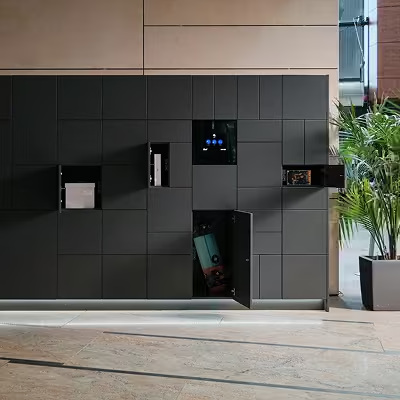
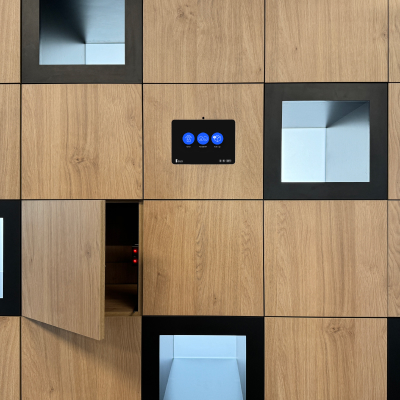
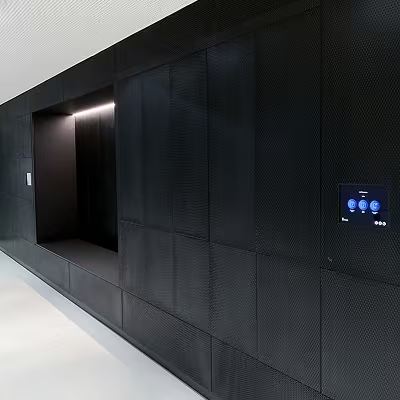
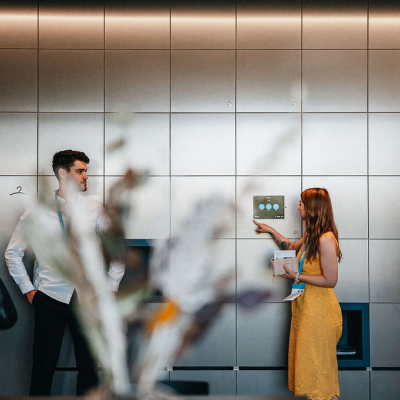

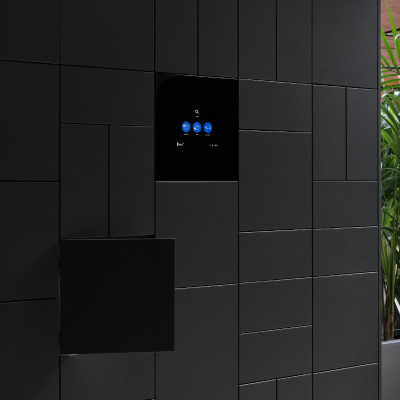

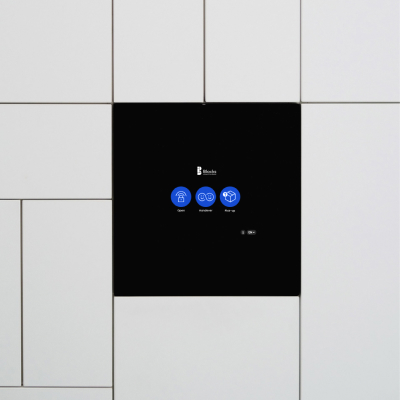












Safe locker for Offices, Healthcare, Education, Leisure and beyond
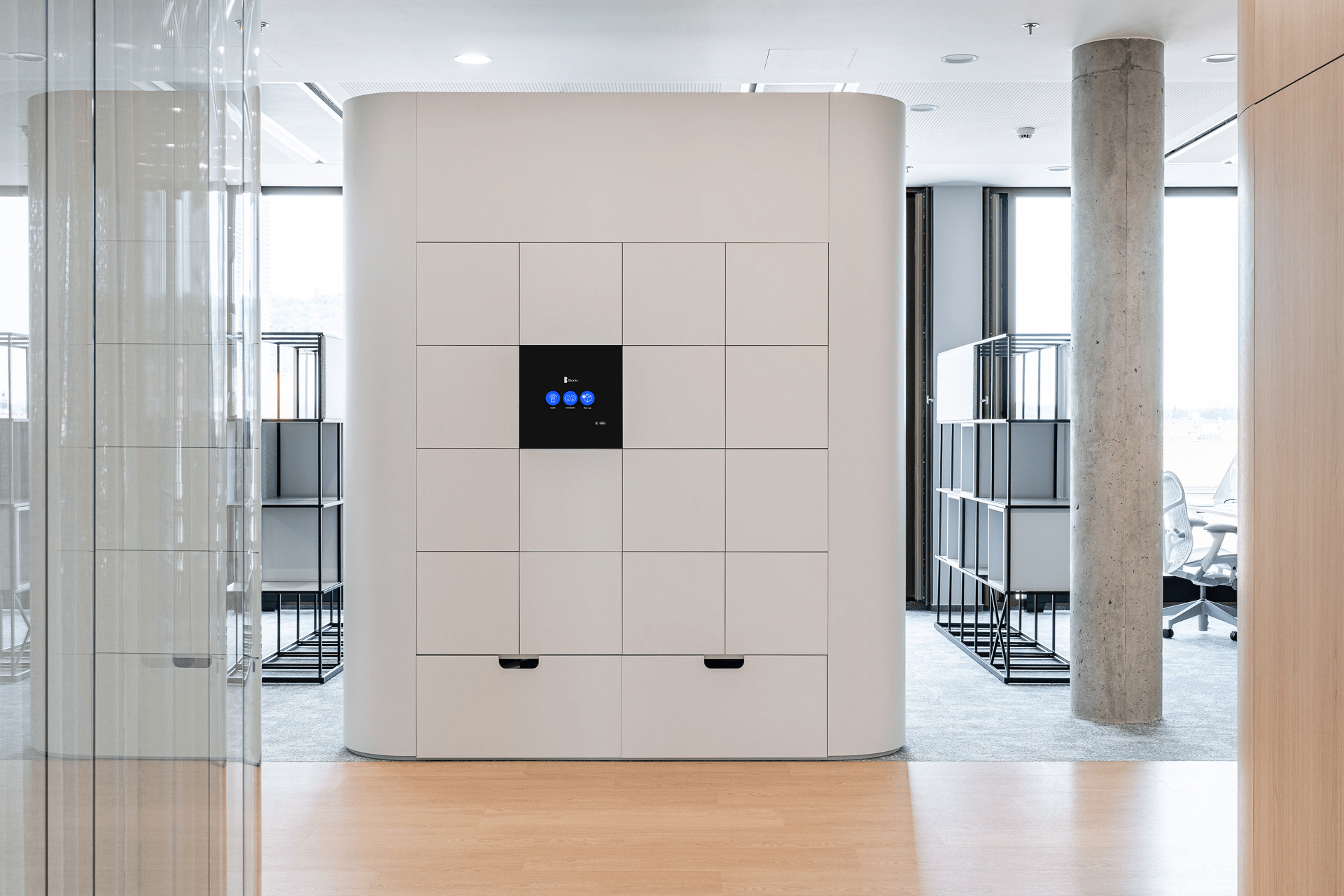
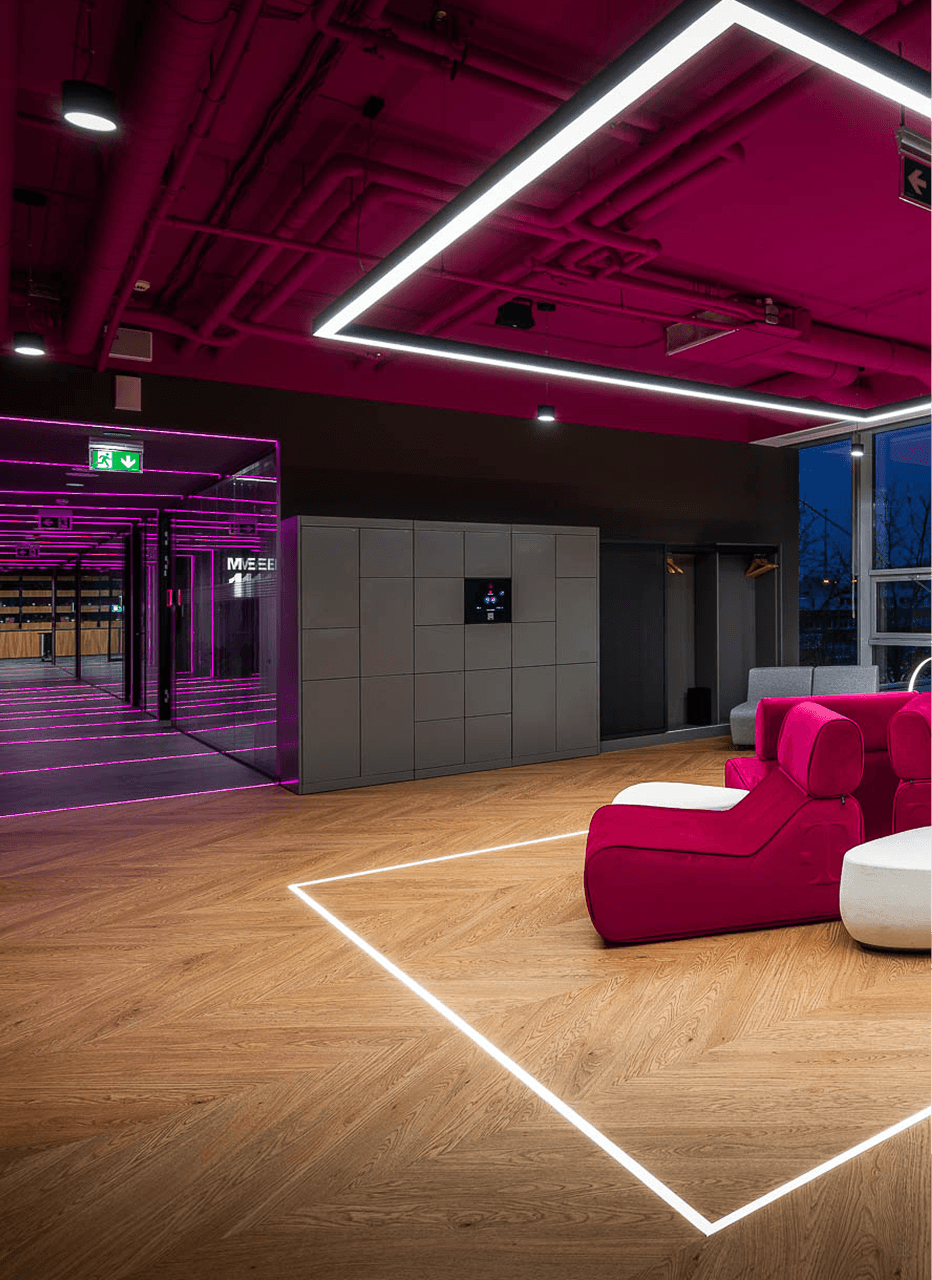

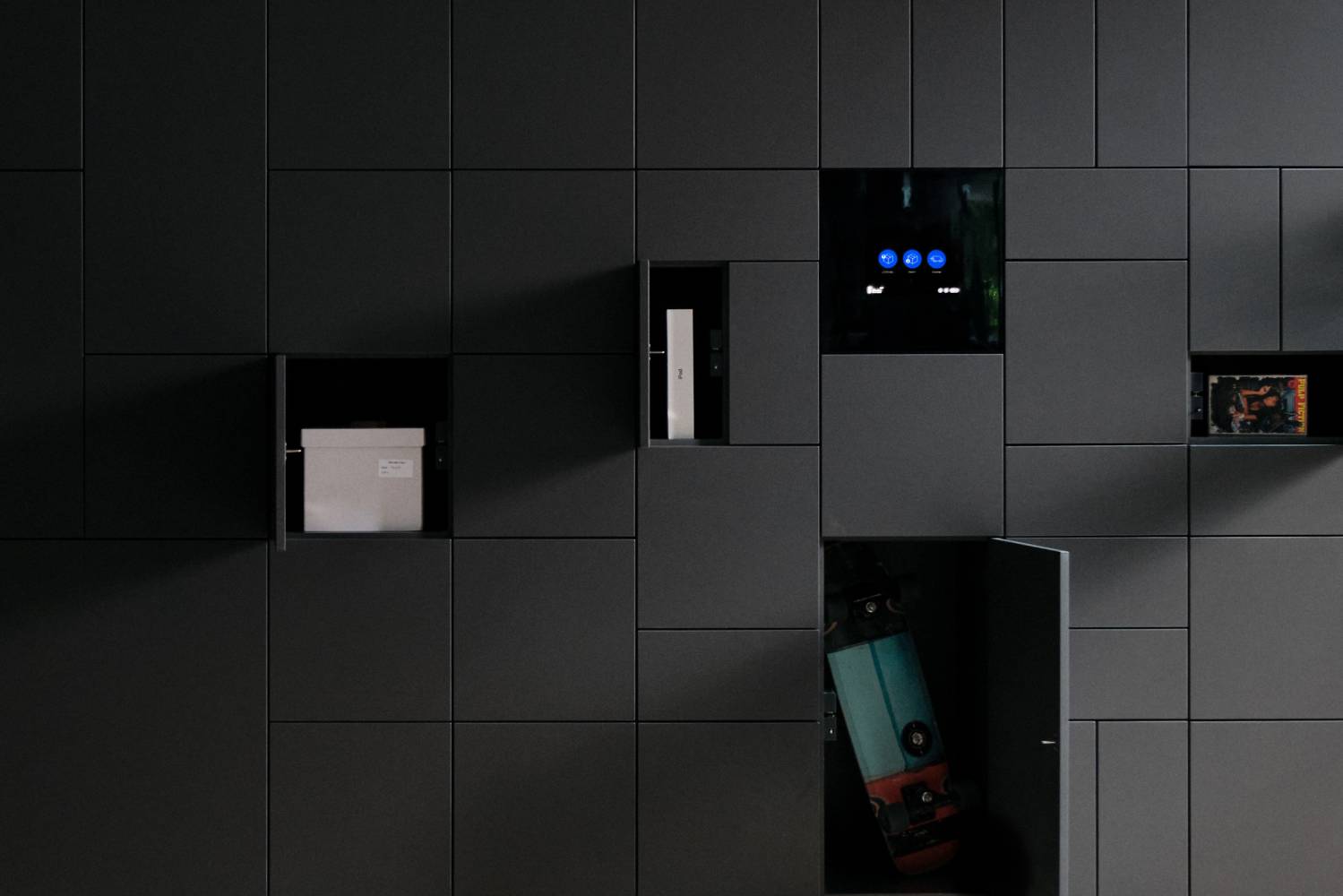
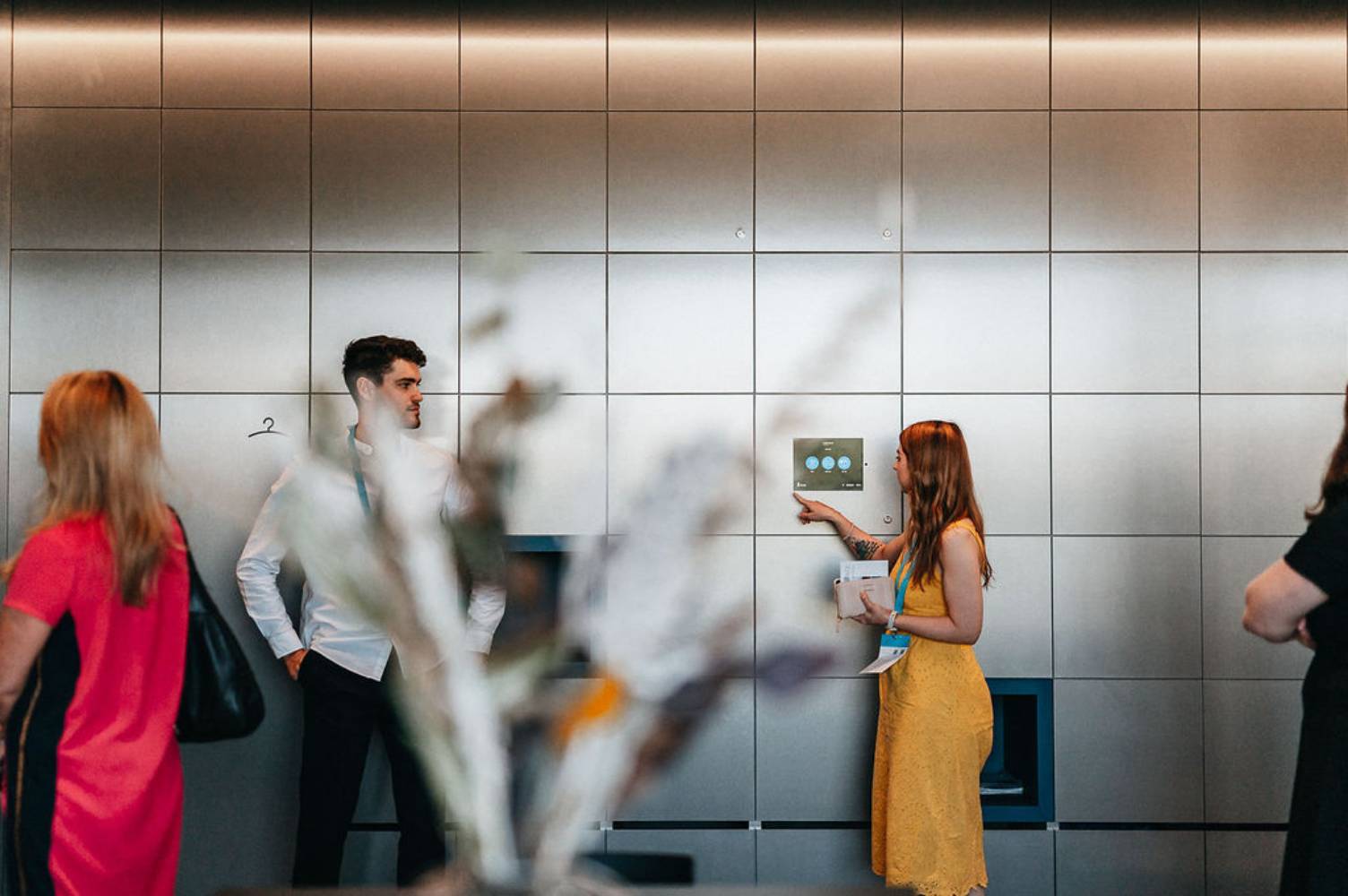
Hybrid work? Possible.
Shared desk? Finally manageable.
Clean desk policy? Check.
Blocks make personal storage simple. Employees use a locker when they need it – and release it when they don’t. No keys, no spreadsheets, no hunting for space.
Higher utilization, less floor space, happier people.
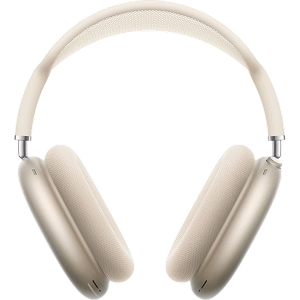

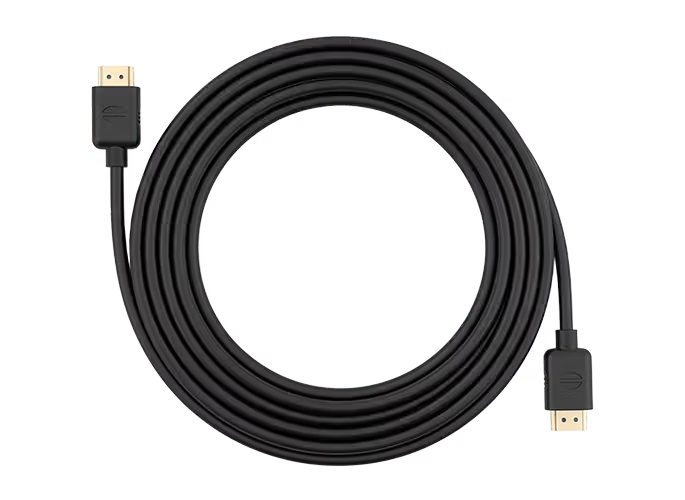
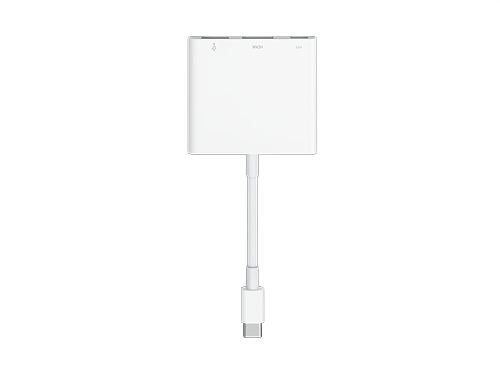
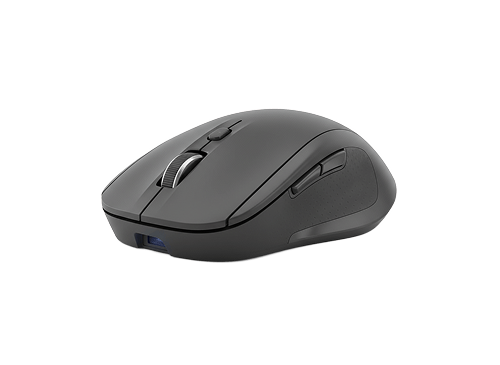
How many hours does EUS/IT burn handing out laptops? Slack back-and-forth, calendar Tetris, walk-ups – for one device.
Blocks turns it into a 24/7 self-service pickup: drop, scan, done.
Every handover is logged, auditable, and meeting-free – lower cost, faster turnaround, happier users.
Even brief interruptions like a quick conversation or handover requires 20+ minutes to regain full focus on the original task. Multiply that by number of employees and number of distractions and you see how much money your company quietly drains.
With Blocks Asset Lockers, employees can exchange, store and pick up items flexibly and asynchronously which helps productivity and prevents distractions.
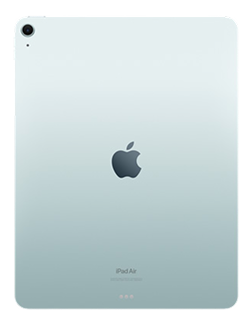


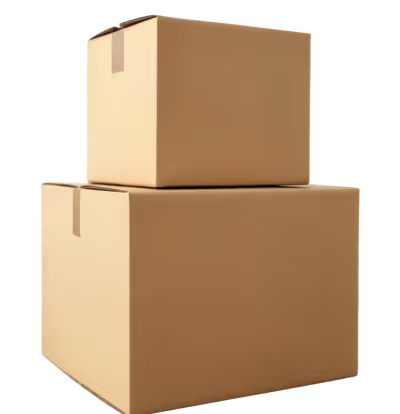
Courier stops break flow and jam the lobby. With Blocks, parcels land in lockers and employees pick up on their own time—24/7.
Fewer interruptions, a cleaner reception, and hours saved across the company you can actually measure.
Blocks smart locker technology is built to fit right into your existing tech stack to eliminate any manual updates and inputs.
With 30+ ready-made integrations plus the ability to connect with custom or even legacy systems thanks to open API and SDK, you get a fully integrated solution that delivers clear insights and simplifies daily operations.


Want to reach us directly?
Call the phone number below.


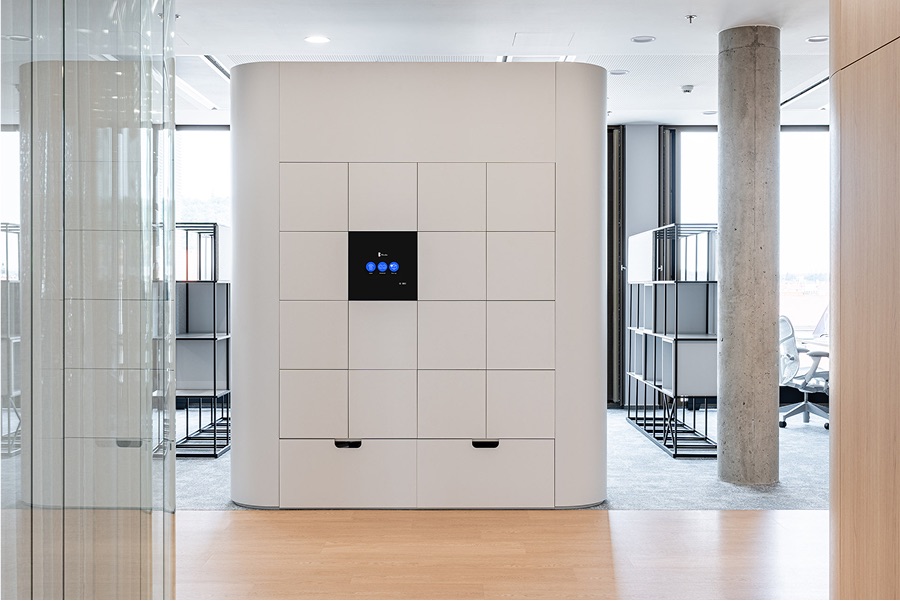
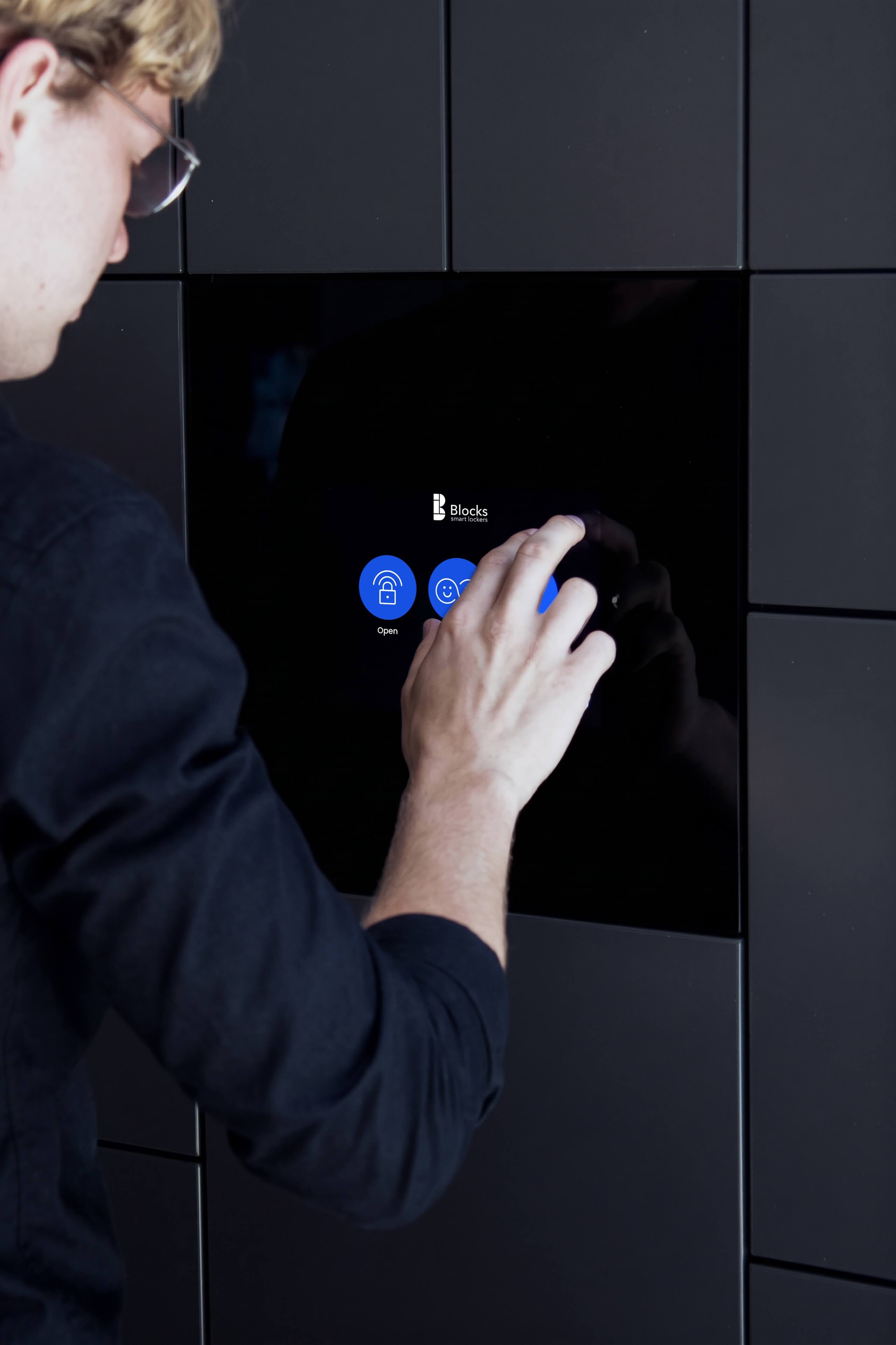
A perfect blend of ergonomics, functionality and aesthetic appeal: Blocks electronic smart lockers work with any locker design of your choice, while our award-winning design guidelines are always provided.
Pick what fits your setup – employee card, MS Teams, PIN or QR code, HID Mobile Access and the list goes on. No keys to issue and no new apps required – Blocks adapts to what your teams already use.
For added convenience and extra security, you can combine these options. Plus, if the original method fails – third-party tool outage, forgotten card – there’s always a fallback.
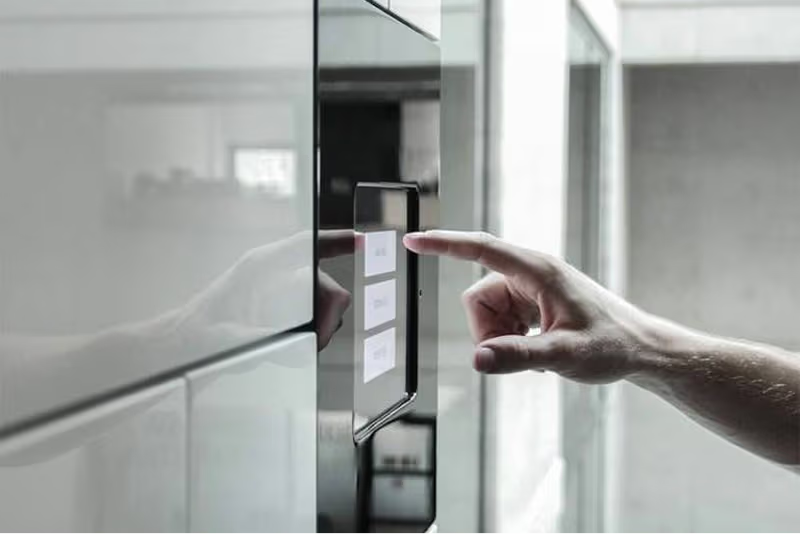
SIngle-day locker or permanent access? Assigned or unassigned locker use? Reservations or various user groups? Adding use cases as your company evolves?
For lockers, there is no one-size-fits-all. With Blocks software however, you gain access to setting up lockers to fit exactly your internal needs.
Blocks is an ISO 27001-certified company. The operating system, secure by design, is going through regular penetration testing by an independent third party.
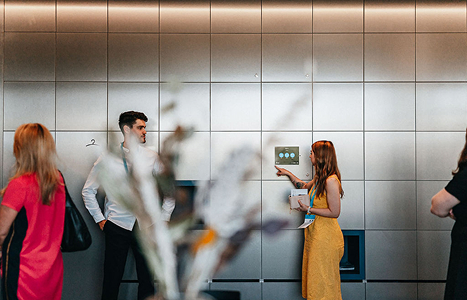
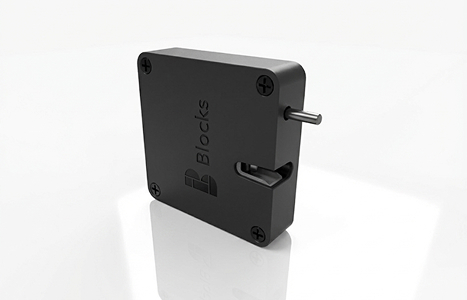
Blocks work with wired and wireless locks, making it ideal for both new or retrofit of existing lockers and cabinets. This allows you a smooth launch of your smart locker project right away.
RFID and push-to-open are available as optional configurations to match your preferred access and user experience.
Basic smart lockers from other brands that no longer suffice your needs? Blocks operating system is able to integrate into any existing locker electronics and power the new use cases.


For any smart locker project, support is key. In fact, it serves as a strategic pillar for Blocks, deeply ingrained across all our teams—from dedicated customer care and end-user support to project management and software development.
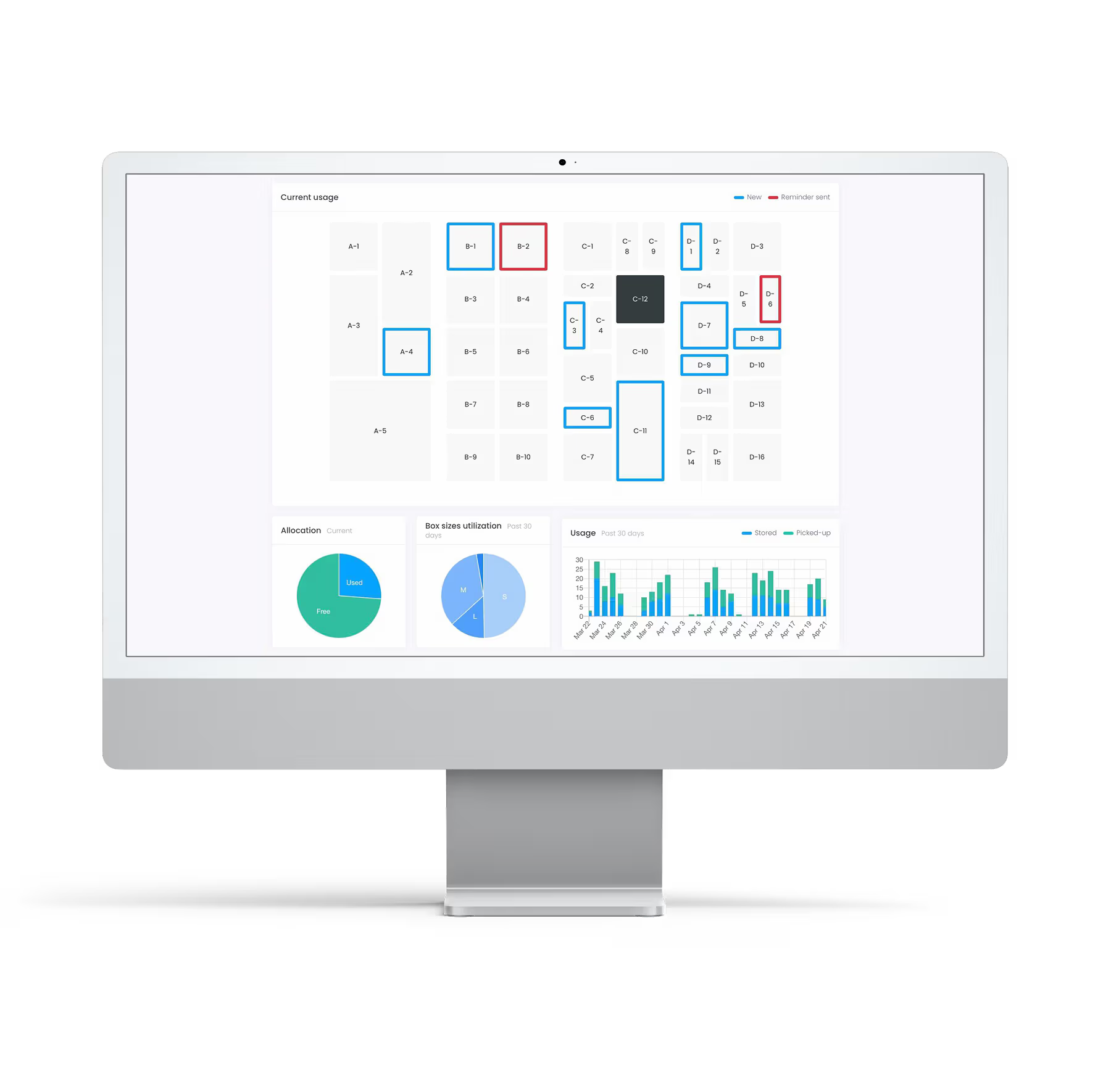
Take control with the Blocks Admin Zone – your intuitive online hub for managing intelligent lockers.
Access real-time data on usage, monitor utilisation, and customise settings to perfectly match your internal processes.
Easily manage user permissions, open lockers remotely, and enjoy smooth, hassle-free operations with powerful features designed to simplify your day.
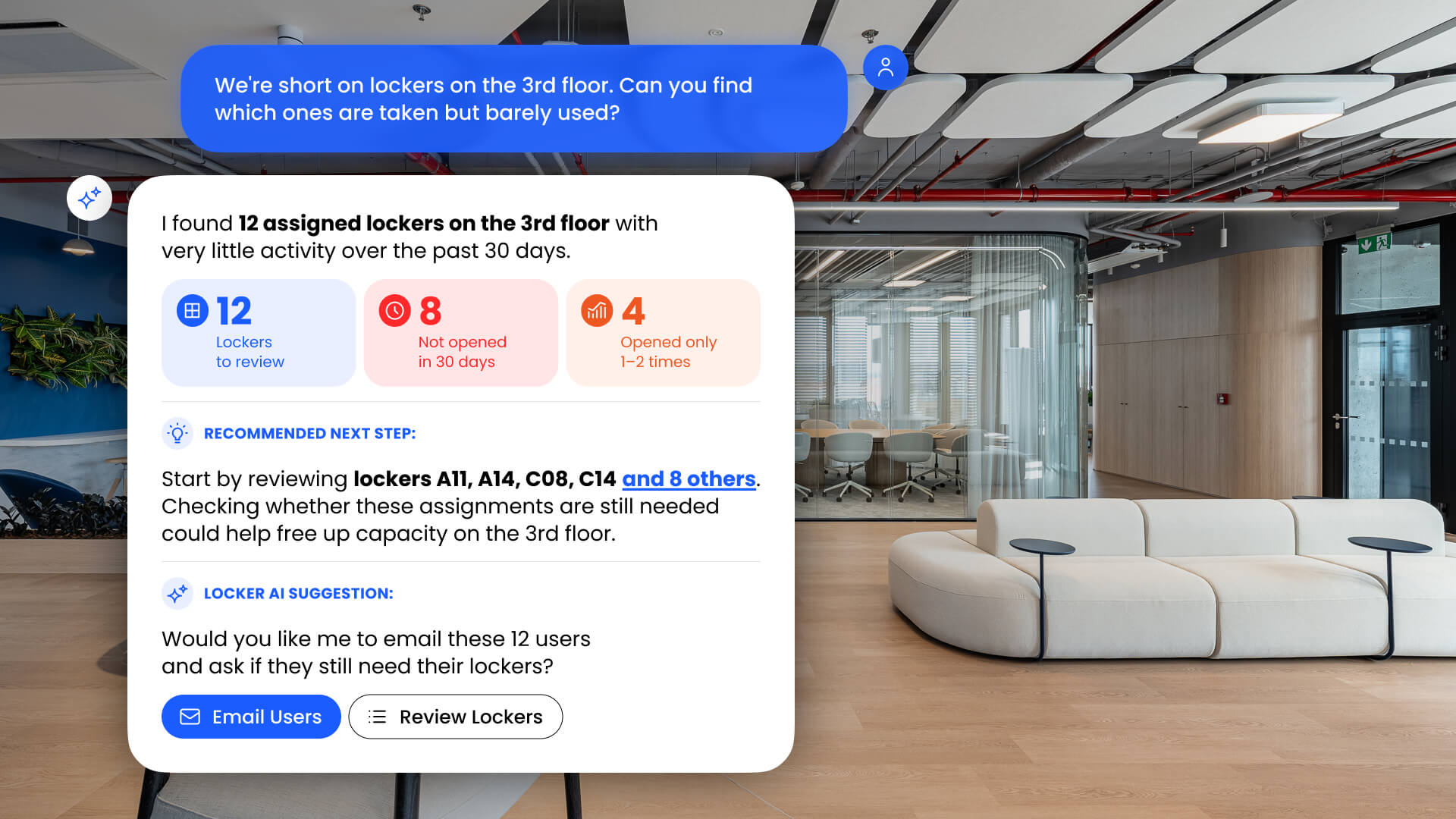
With Locker AI, getting a clearer picture of your locker setup can start with one question. How many lockers are occupied but rarely used? Which floors need more lockers and which have too many?
Locker AI then suggests practical next steps and helps you take action.
Locker AI turns smart locker data into practical insights, helping teams understand and plan their workplace while maximising ROI.


Employees and facility team love the flexibility they get from 1,300 Blocks compartments, whether it's for storage, parcel delivery or sharing an item with a colleague. Blocks takes away the hassle and expense of the classic locker solution. The whole solution is timeless and maintenance-free.
View case study >


Thanks to Blocks, we save monthly approximately 60 man-hours that we would otherwise have to spend on servicing employees, issuing standard accessories from the storage, and manually managing Jira tickets.
View case study >
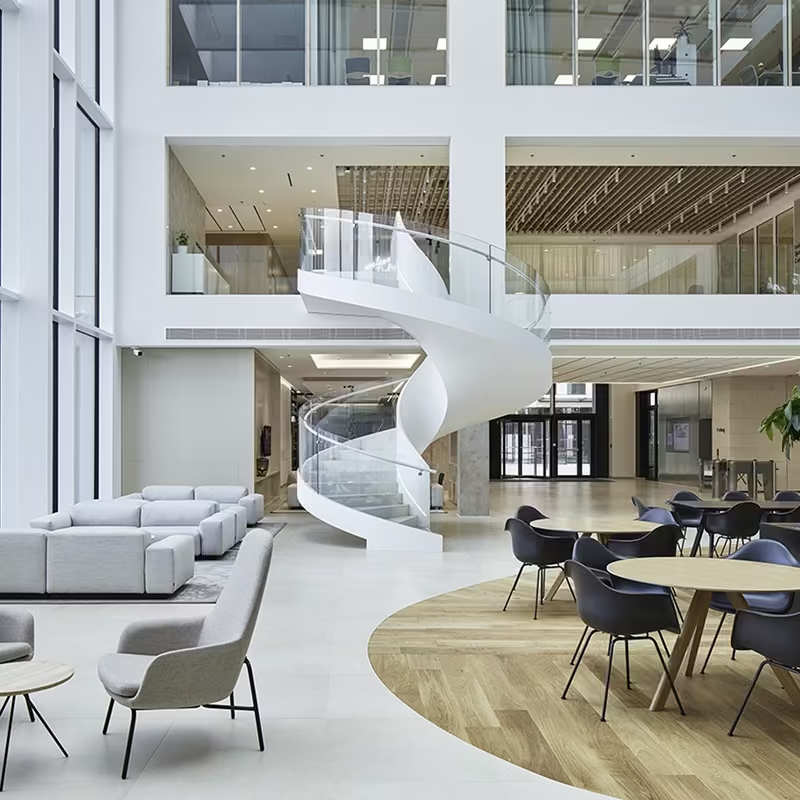

We've fully automated package management with Blocks parcel lockers. Now, employees can collect their online orders at any time without risk, while receptions look organised and clean.

Empowering businesses with innovative solutions to streamline operations, enhance productivity, and drive growth.
Yes, and you can even combine them within one locker bank: parcel delivery management, personal and visitor storage, item exchange and more. Different workflows and access permissions can be managed through Blocks OS, with the setup tailored to your evolving needs. This flexibility – without changing a single piece of hardware – means the original investment continues to solve new challenges as they emerge – rather than becoming outdated.
Blocks is suitable for a wide range of workplaces, including offices, coworking spaces, factories, universities, healthcare facilities, retail sites and logistics centres. The system can be configured to support different teams, workflows and locations, from a single site to a multi-site setup.
Yes, of course. Blocks Admin Zone is an intuitive online hub for managing intelligent lockers, including remote opening, accessing real-time data on usage, monitor utilisation, managing permissions and more.
Blocks completely automates notifications, whether it is for MS Teams, Slack, SMS, email or any other means. Typically, the system notifies about receipt, collection, expiration, as well as custom reminders.
Typically, clients prefer to mix two or three compartment sizes:
However, the dimensions can be changed to meet client requirements, typically based on the intended use case (parcel deliveries vs. IT equipment distribution, employee storage and more). The same applies to the final mix of compartments.
Blocks supports RFID/NFC access cards, including MIFARE Classic, MIFARE DESFire EV1, EV2 and EV3, and other cards based on the ISO 14443 standard.
Lockers can also be opened using MS Teams, HID Mobile Access, QR code, PIN, through an integration with a mobile app and other methods. For added convenience and extra security, you can combine these options. Plus, if the original method fails – third-party tool outage, forgotten card – there’s always a fallback.
Blocks provides a documented REST API and supports webhooks for real-time events such as access, locker opening/closing, or errors.
Blocks smart locker technology is built to fit right into your existing tech stack to eliminate any manual updates and inputs.
With 30+ ready-made integrations plus the ability to connect with custom or even legacy systems thanks to open API/SDK, you get a fully integrated solution that delivers clear insights and simplifies daily operations.
Yes, we have a native Blocks App for both iOS and Android that supports a wide range of scenarios, including parcel pickup, colleague-to-colleague handovers, employee lockers, team lockers, visitor storage, IT equipment distribution, item libraries, and more. The app is used for locker opening and receiving notifications about parcels or stored items
Users can also see which items are currently stored for them. Once an item has been collected, it is removed from their list.
Yes. Blocks provides a web-based admin interface – the Blocks Admin Zone – for remote control, access to real-time data on usage, monitoring, and configuration of the locker system.
Admins can monitor locker status, see whether boxes and individual compartments are online or offline, open compartments remotely, manage stored items, resend notifications, reset compartment status, view pickup PIN codes, add notes, and access notification history.
Blocks Admin Zone also supports service and maintenance features, including maintenance mode, cleaning mode, service access, app restart or box reboot, and detailed site information such as location, opening hours, hardware specifications, contacts, photos, and network connection details.
Admin roles can be configured with specific permissions for managing users, directories, personal or team lockers, assets, items, and notification roles.
Blocks provides operational reporting and statistics directly in the Blocks Admin Zone.
Admins can track selected date ranges, number of users, storage duration, average values, daily storage activity, and when items were placed into lockers by day and hour.
The portal can also show box openings over the last 30 days, user feedback, utilisation targets, engagement status, revenue generated (for pay & store lockers) and other operational information about the site.
Locker AI by Blocks turns smart locker data into practical insights, helping teams understand and plan their workplace to maximise ROI. By asking the right questions, managers are able to spot patterns, compare locations and understand how well capacity matches demand.
Locker AI then suggests practical next steps and helps take action. The answers help workplace teams spot problems they might otherwise miss, understand their causes and make informed decisions about locker availability, allocation and future capacity needs.
Importantly, these outcomes serve companies well beyond storage needs. They can make smarter decisions about future capacity, workplace layouts and new office locations.
Yes. Blocks allows teams to monitor occupancy, utilisation, usage trends, admin activity, feature usage, and access logs.
This includes information such as who accessed which compartment and when, when items were stored or collected, which notifications were sent, and how the locker system is being used operationally.
The focus is not on marketing-style behavioural tracking. Blocks tracks operational data – access events, stored items, pickups, notifications, audit logs, occupancy, and locker usage – so teams can run the system efficiently and securely and prevent long-term blocking.
Blocks offers 30+ ready-made integrations, including Microsoft Teams, Slack, Microsoft Entra ID, Jira, ServiceNow or HID. Blocks can integrate any tool based on your setup, use case and requirements – including custom or legacy systems – through Blocks’ open API and SDK.
Yes, locker modules, software features, access control, and design can be adapted to the specific needs of each project.
Typical customisation options include:
Blocks also supports custom branding, including logos, colours, front panels, screens, and UI theming.
Thanks to the modular design, both the physical modules and software features can also be reconfigured or replaced later if the needs of the project change.
Blocks work with wired and wireless locks, making it ideal for both new or retrofit of existing lockers and cabinets. This allows you a smooth launch of your smart locker project right away.
If the internet connection goes down, the locker is still operational in a limited mode. Parcel data is synchronised and cached locally, so parcel pickup is still available, even during an internet or cloud API outage.
If there is a power outage, the lockers cannot be opened electronically in the standard way. The locker unit switches to maintenance mode and, in emergency situations, access can be handled mechanically using a key.
The exact emergency opening process depends on the type of locker. Wooden and metal locker units may have different service procedures, so the process is defined for each project and locker type. Battery backup can be considered depending on the project requirements.
